Credit Card Promo Email Auto-Import in MyFam360 (Family+)
Forward your bank's promo emails to a per-family address and let MyFam360 parse them automatically — with issuer-specific parsers for HDFC, SBI, Axis, ICICI.
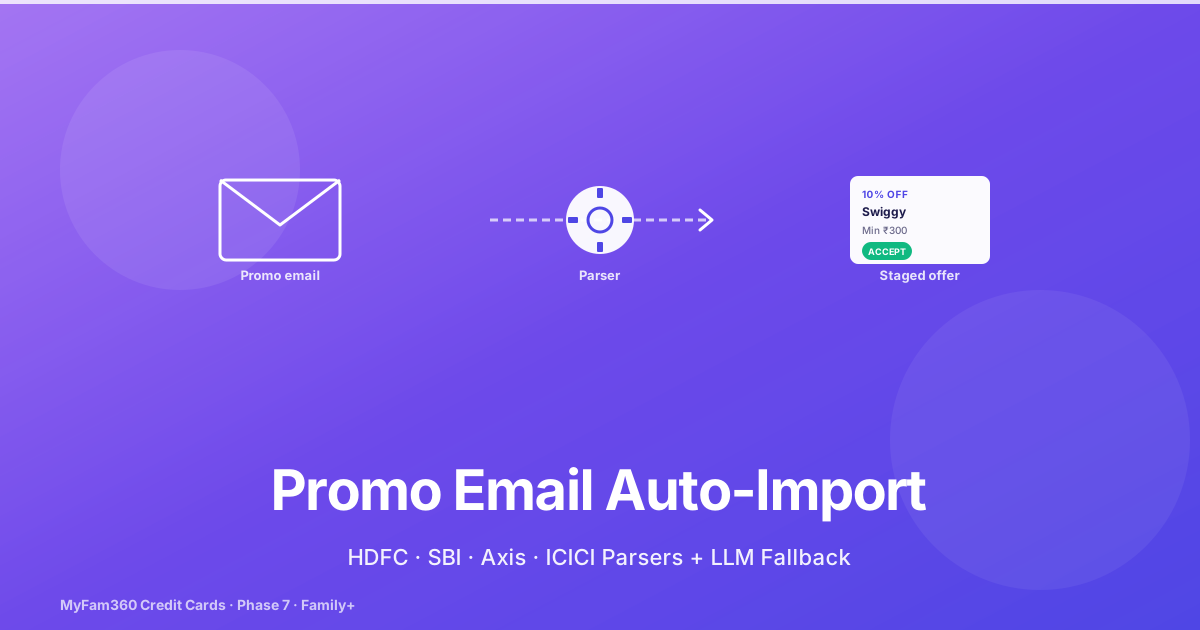
If you have a credit card from any major Indian bank, you probably get 8–15 promotional emails a month: “10% off on Swiggy with HDFC”, “Bonus 500 reward points on Amazon Pay”, “Flat ₹500 off your next Flipkart order”. Most go unread. The few you skim are forgotten by the time you actually shop.
The Phase 7 release closed the Credit Card Manager track end-to-end with the answer to this: a parser pipeline that ingests promo emails, extracts the structured offer fields, and stages them in MyFam360 for one-click acceptance.
This is a Family+ feature. The setup takes 5 minutes once.
How the Pipeline Works
There are five moving parts:
- Your email forwarding rule. You add a forwarding rule in Gmail (or any email client) for emails from your bank’s promo address. The rule forwards to a per-family MyFam360 address.
- The inbound webhook. A mail relay receives the forwarded email and POSTs it to MyFam360’s internal webhook
/internal/inbound-mail/credit-promos, signed with an HMAC over the body. - The staging table. The webhook validates the HMAC, parses the recipient address to extract the family ID, and stages the email body in the
credit_offer_emailstable withraw_body_htmlandraw_body_textencrypted at rest. - The parser job. A daily scheduler at 04:45 UTC walks unprocessed staging rows and runs the appropriate parser to produce
credit_offerrows. - The review UI. You open the Promo Staging page in MyFam360 and accept, reject, or edit each parsed offer.
Steps 1–4 happen automatically once configured. Step 5 is the part you do.
Setting Up the Forwarding Rule (5 Minutes, Once)
Open MyFam360 → Settings → Credit Card Promo Imports. The card shows:
- Your forwarding address — formatted as
promos+<family_uuid>@<mail-relay-domain>. Tap to copy. - Opt-in toggle —
credit_promo_email_import_enabled(default off; turn on once you’ve configured the forwarding rule). - This month’s usage —
X of 50 staged rows(the monthly cap per family).
Then, in your email client (Gmail example):
- Open Settings → Filters and Blocked Addresses → Create a new filter.
- In the “From” field, enter your bank’s promo sender (e.g.,
creditcardoffers@hdfcbank.netfor HDFC). Pre-populate filters for each bank you want. - Under “Then do this”, check “Forward it to” and add your MyFam360 address.
- Save.
Repeat for each bank. Most major banks have one or two promo sender addresses that cover the bulk of their emails.
What Each Parser Does
Issuer-Specific Parsers (HDFC, SBI, Axis, ICICI)
Each issuer-specific parser knows the bank’s HTML template structure. It uses CSS selectors and known section headings (e.g., “Cashback on your card”) to extract fields with high accuracy.
The four shipping parsers handle ~85% of promo emails from those banks.
Generic Regex Fallback
For emails that don’t match any issuer-specific parser (typically smaller banks, or new templates from major banks), a generic fallback parser uses 40+ regex patterns to extract:
- Discount percentages or amounts (
(\d+)%/₹(\d+) off) - Minimum spends (
min(?:imum)? spend.{0,20}₹(\d+)) - Validity windows (
(?:valid till|expires on).{0,30}(\d{1,2}[\s/-]\w+[\s/-]\d{2,4})) - Card last-4 digits (
(\d{4}))
The generic parser is conservative: if confidence is low for a field, it leaves the field null and surfaces the email for manual completion.
LLM-Assist Fallback
For emails that the generic parser can’t handle, the LLM-assist fallback runs as a last resort. It uses the same data-minimisation gateway as AskAI (llm_minimization_service.py) — only the email subject and a bounded subset of the body are passed to the LLM, never your transaction-level data.
The LLM is asked to extract the same structured fields. Its output is treated as low-confidence and always staged with a “needs review” flag.
The Staging Review UI
The Staged tab on the Credit Cards page shows all parsed offers. Each row displays:
- Issuer + card nickname (when matched against an active card)
- Offer headline
- Merchant or category
- Discount/cashback rate
- Minimum spend
- Validity window
- Status pill:
proposed/accepted/rejected/expired
You can:
- Accept — moves the offer into the active offers list for the card.
- Reject — marks the offer as not interesting; it stays in the staging table for audit but won’t surface anywhere else.
- Edit — open a modal to fix any field the parser got wrong.
- Bulk actions — select multiple offers and bulk-accept or bulk-reject.
Tip: bulk-reject is the most useful action in the first month. The parser is conservative but still produces noise; rejecting the noise once trains your habit and keeps the staging tab usable.
Active Offers on a Card
Accepted offers appear on the relevant card’s detail page in the Active Offers section. Each shows the offer card with:
- Headline + merchant
- Discount summary
- Minimum spend
- Days remaining until expiry
- A green check if you’ve already used the offer (manual mark)
The Calendar page also renders credit_promo_start and credit_promo_end events for accepted offers, with deep-links into the card’s Promos tab.
Rate Limiting and the Monthly Cap
The webhook enforces a hard cap of 50 staged rows per family per month. Rows beyond the cap are marked rate_limited and aren’t parsed.
The cap is intentional: it forces you to be intentional about which sender addresses you forward. If you find yourself hitting the cap, narrow the forwarding rule to your most-used banks.
Security and Privacy Notes
The pipeline is designed to be safe by default:
- Encrypted at rest.
raw_body_htmlandraw_body_textare encrypted using the same Fernet column-level encryption as financial amounts. See the encryption-at-rest post for the full crypto model. - HMAC-verified webhook. Every inbound POST validates
X-Mail-HmacagainstINBOUND_MAIL_HMAC_SECRET. Unsigned or invalid requests are rejected at the door. - Family-scoped routing. The recipient address (
promos+<family_uuid>@...) identifies the family. Forwarding the wrong email to the wrong family is structurally prevented. - LLM data minimisation. The LLM-assist fallback only sees subject and bounded body — never your transaction details. See the AI privacy post for the full architecture.
- Opt-in flag.
credit_promo_email_import_enabledis off by default. The pipeline does nothing until you turn it on.
What This Means For You
This is a feature with a high setup cost and a high ongoing value. The setup is 5–10 minutes once. After that, you do nothing until you open the Staged tab once a week and bulk-accept the offers that interest you.
The realistic value: most cardholders have 2–4 useful promo offers a month they would have missed otherwise. If even one ₹500-off Flipkart code lands in your staging queue per quarter, the feature has paid for the time you spent setting it up.
This is also the closing piece of the Credit Card Manager track. Phase 1 added the cards. Phase 2 added statements and payments. Phase 4 added rewards. Phase 6 added redemption tracking. Phase 7 — the promo parser — closes the loop on offers, the last category of value most cardholders leave on the table.
See Also
Take control of your family finances — free
MyFam360 lets your whole family track expenses, set budgets, and hit savings goals together. Free to start, no credit card needed.
Free plan available · No credit card required · Cancel anytime
Frequently Asked Questions
How does the promo email parser actually receive my emails?
You get a per-family forwarding address shown in Settings (format: promos+<family_uuid>@<mail-relay>). You add this address as a forwarding rule in your email client for your bank's promo emails. The relay POSTs to MyFam360's internal webhook at /internal/inbound-mail/credit-promos, secured by an X-Mail-Hmac header and the INBOUND_MAIL_HMAC_SECRET. The webhook stages the raw email body (encrypted at rest) in the credit_offer_emails table.
Which banks does MyFam360 parse natively?
Four issuer-specific parsers ship with v2.11.1: HDFC, SBI, Axis, and ICICI. Each parser knows the issuer's HTML template patterns and extracts offer fields directly. For unsupported issuers, a generic fallback parser handles ~40 common patterns via regex. For unmatched emails, an LLM-assist fallback runs as a last resort, using the same data-minimisation gateway as AskAI.
What gets extracted from each promo email?
Each parsed offer attempts to extract: the card brand and last 4 digits (matched against your active cards), the offer headline, the merchant or category, the discount/cashback rate, the minimum spend, the validity window (start/end dates), and a redemption code or link if present. Fields that can't be parsed cleanly are left null — they're still visible in the staging UI for manual completion.
When does the parser actually run?
Daily at 04:45 UTC. The job walks all unprocessed credit_offer_emails rows, runs the appropriate parser (issuer-specific → generic → LLM fallback), inserts credit_offer rows for successful parses, and marks the email rows as processed. Unparseable emails are flagged as rate_limited if the family has hit the monthly cap (50 rows/family/month) or as failed for review otherwise.
Where do I review and accept parsed offers?
The Promo Staging page in MyFam360 (sidebar → Credit Cards → Staged tab). It shows all parsed offers with status pill filters (proposed / accepted / rejected / expired). You can bulk-confirm offers you want to keep, bulk-reject noise, and manually edit any field before accepting. Accepted offers move into the active offers list on the relevant card's detail page.
Is this safe to send my emails through?
Yes. Raw email bodies (raw_body_html and raw_body_text) are encrypted at rest in the credit_offer_emails table using the same Fernet column-level encryption as financial amounts. The webhook validates an HMAC signature on every inbound POST. Promo emails are stored only for parsing — once an email is parsed and the offer is accepted (or rejected), the raw body can be purged via the data-retention scheduler. The whole flow is opt-in via a per-family credit_promo_email_import_enabled flag (default off).
Share this article
Related Articles
How to Track Your Credit Cards in MyFam360 — The Foundation
Add credit cards to MyFam360 with joint cardholders, billing-cycle days, and an automatic account mirror that powers every downstream feature.
21 May 2026
App GuideAskAI History in MyFam360 — Pin, Re-Run, and Why the Cap Doesn't Reset
AskAI in MyFam360 now persists every question, lets you pin favourites, and supports one-click re-runs against current data. Here's how the history flow works.
21 May 2026
App GuideCredit Card Annual Fees and the 'Worth Keeping' Verdict in MyFam360
How MyFam360 charges and tracks annual fees automatically, and the Family+ 'Worth Keeping' verdict that tells you whether the card is paying for itself.
21 May 2026